Selection of Buckets & Content
Selection
Some placeholders in our AccPack evaluate the status of the selection users have made in the planning.
This option is only used and evaluated, if a planning record is linked to the placeholder.
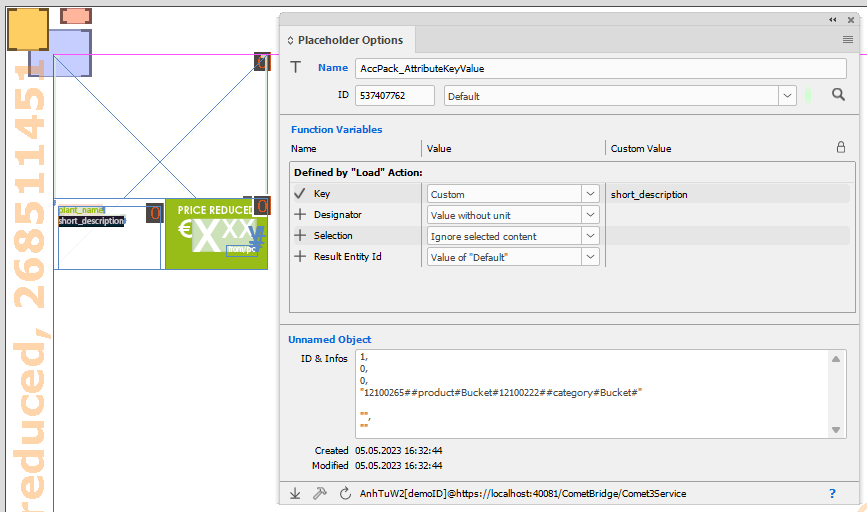 During the template design, the option "Selection" needs to be set according to project requirements.
Ignore selected content:
The selection in the planning record is ignored. All content records are evaluated.
Only selected content:
Only the selection in the planning record is evaluated. This means if no content is selected, the placeholder returns nothing.
Use all if no content selected:
If content is selected, evaluate the selected only. Fallback to use all if no selection was made during planning.
Selection in the priint:planner
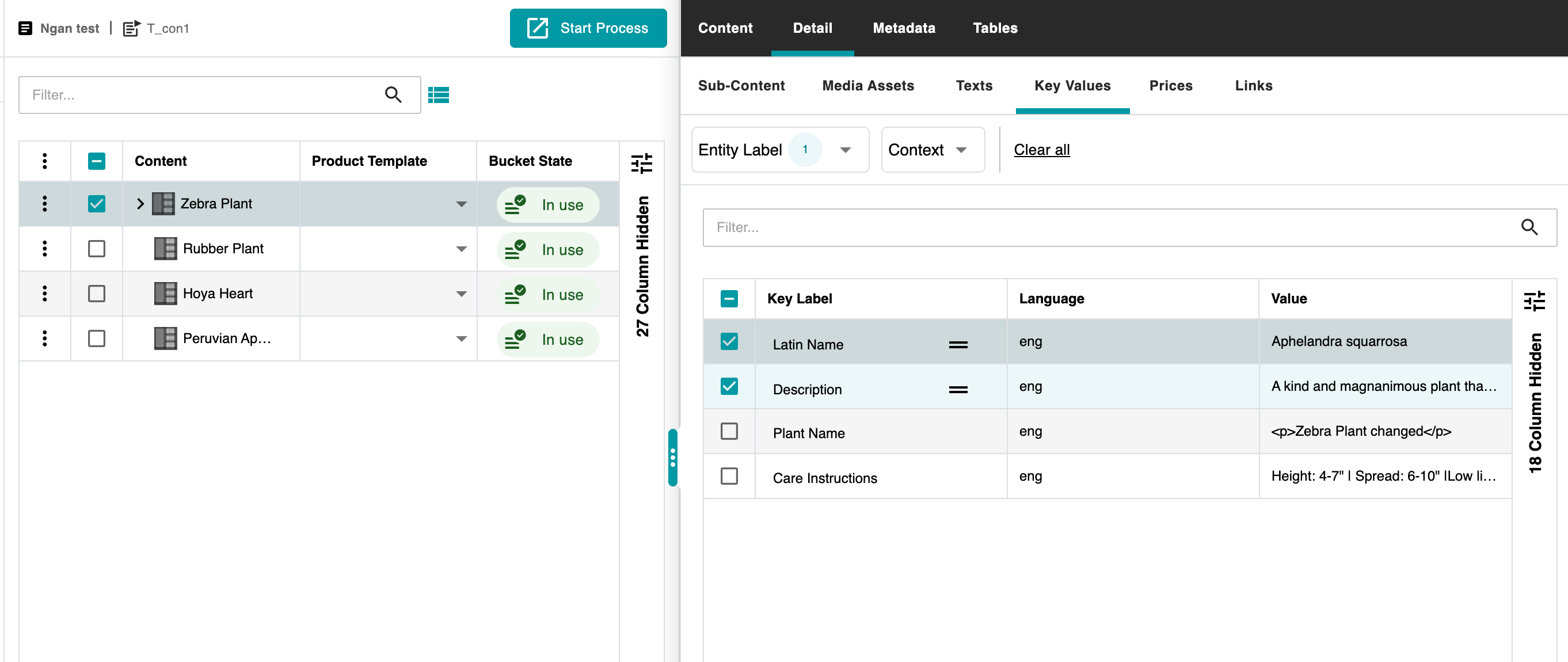
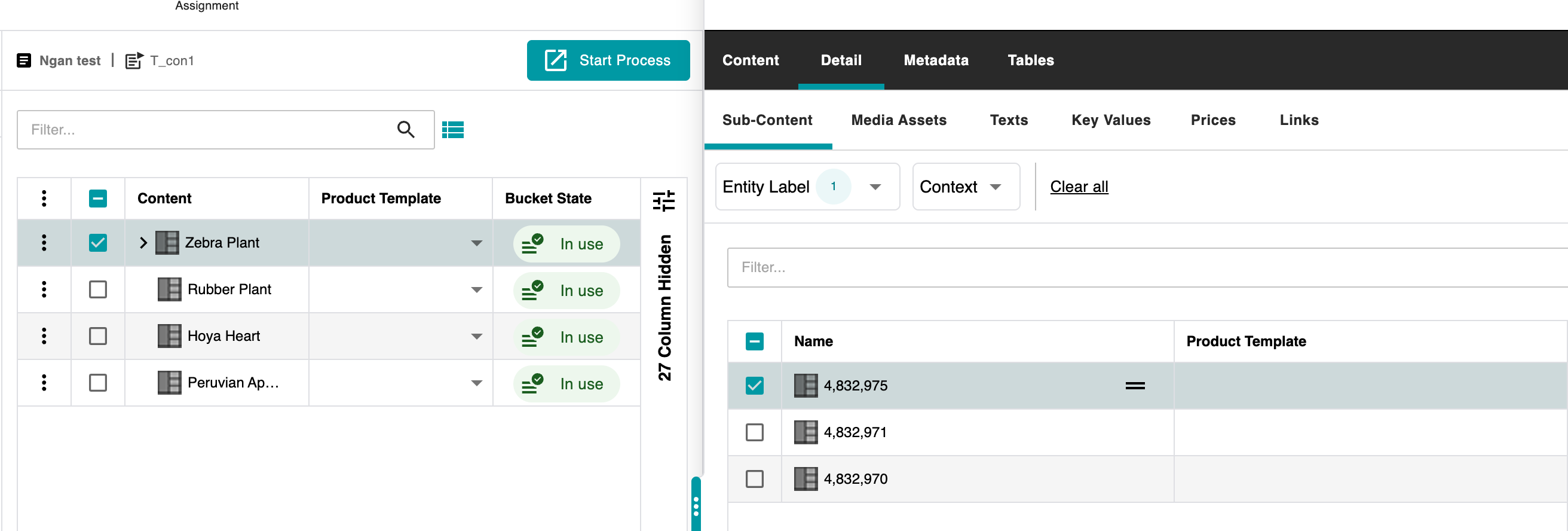
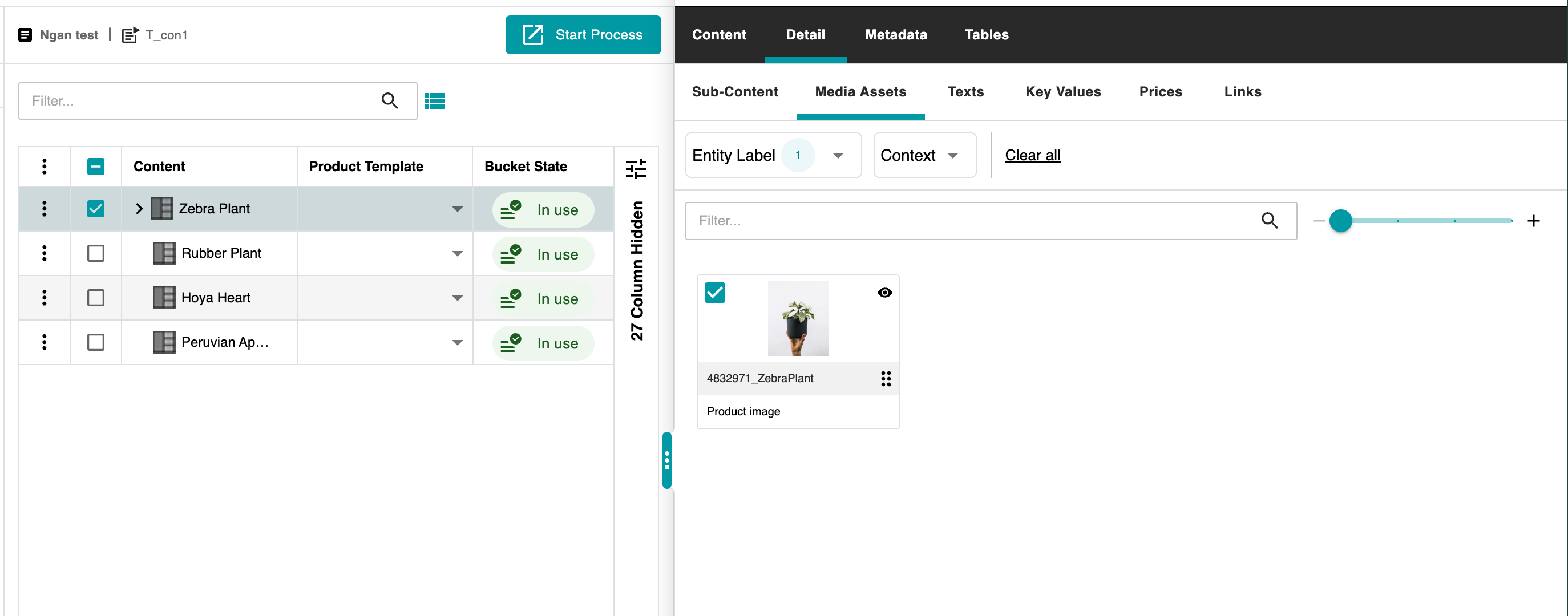
Depending on your placeholder the selection might apply for different content entities or bucket children. After planning the bucket, you can check the Detail-Tab in the sidebar of the priint:planner to mark children or content entities as selected using the checkbox.
Example Selection of Buckets
Example Selection of Image
Example of Selection of KeyValues