MediaAssetById
Overview
1. AccPack_MediaAssetById
The AccPack_MediaAssetById gets a media asset by its identifier. Use this inside a sub-template of a multiframe to load the specific image linked to each element — typically when the multiframe is built by MediaAssets and each element is linked to a MediaAsset identifier.
2. Architectural Decision: MediaAsset vs. MediaAssetById
Selecting the correct placeholder depends on whether the context is a data bucket or a specific asset identifier already provided by a parent structure.
| Placeholder | Primary Function | Ideal Use Case |
|---|---|---|
| AccPack_MediaAsset | Retrieves a single media asset directly linked to a bucket or planning record. | Standard product shots or logos linked directly to the current PIM record. |
| AccPack_MediaAssetById | Retrieves a specific media asset using its unique identifier. | Sub-templates of a Multi-Frame (e.g., built by AccPack_MediaAssets) where each element is already linked to an asset ID. |
When to choose AccPack_MediaAssetById:
A consultant should set up this placeholder inside a sub-template used for multiframe layouts. While AccPack_MediaAsset is used when you have a bucket link and need to find an image (e.g., "get the main JPEG"), AccPack_MediaAssetById is used when the "finding" has already happened. For example, AccPack_MediaAssets identifies 10 images and creates 10 elements; each sub-template then uses MediaAssetById to load the exact image that was passed to that specific element.
Technical Specification
Placeholder type: Media Asset
Entity: Works with media asset records
Function Variables
The following variables filter the asset retrieved by its identifier:
-
Media type: Filters by type (e.g.,
*for any,print,internet). -
Media format: Filters by format (e.g.,
*for any,tiff,jpeg). -
Result Entity ID: Defines the specific media asset entity identifier.
Developer Specifications
-
Data Query:
com.priint.pubserver.plugin.entitymanager.EntityManager.getEntityMediaAssetsByIdentifier. -
Data Mapping:
com.priint.accpack.placeholder.datamapping.MediaAssetDataMapping.firstMediaAssetToFileUrlOrFilePath(supports retrieving the file URL or file path). -
Data Processing: None.
Global Configuration Logic
1. Context Definition
Generic placeholders default to using the _language and _country parameters.
- Context Support: This placeholder supports standard language and country context to ensure the correct version of an asset is loaded if multiple localized versions exist under the same identifier.
2. Selection Variable Logic
Unlike bucket-based placeholders, MediaAssetById typically operates on a direct ID link provided by a parent Multi-Frame.
Technical Environment & Deployment
Consultants could find guide for deployment of generic placeholders here: installation & configuration
Demonstration & Implementation Examples
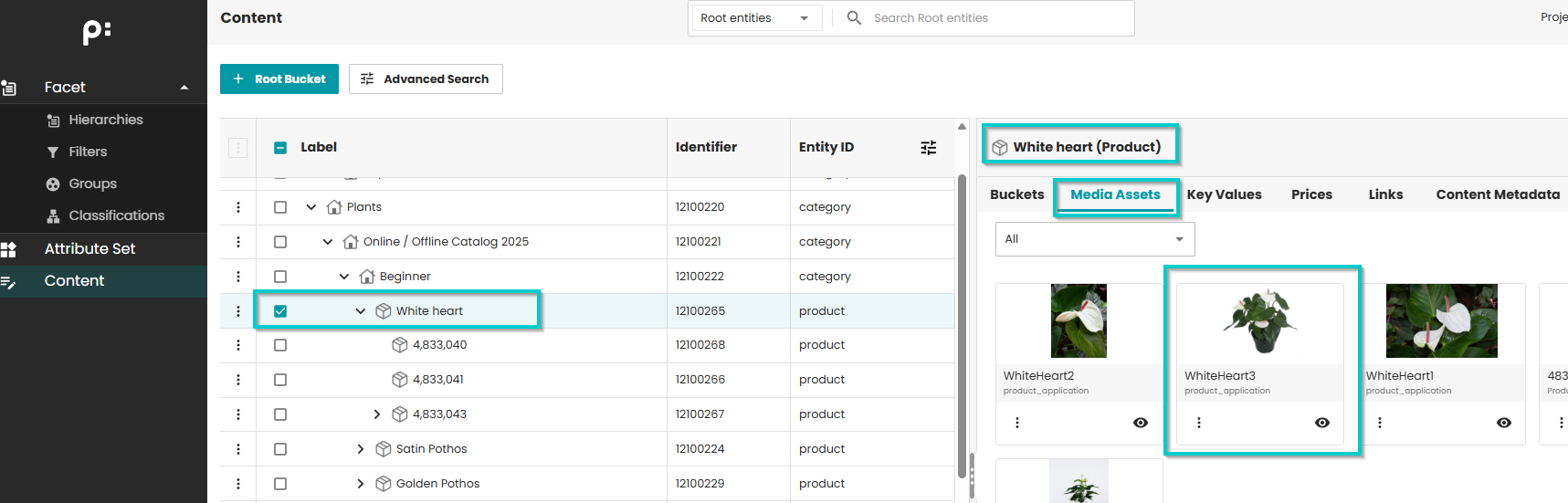
Demo data for example:
-
Pre-defined product data:
- Product: White heart
-
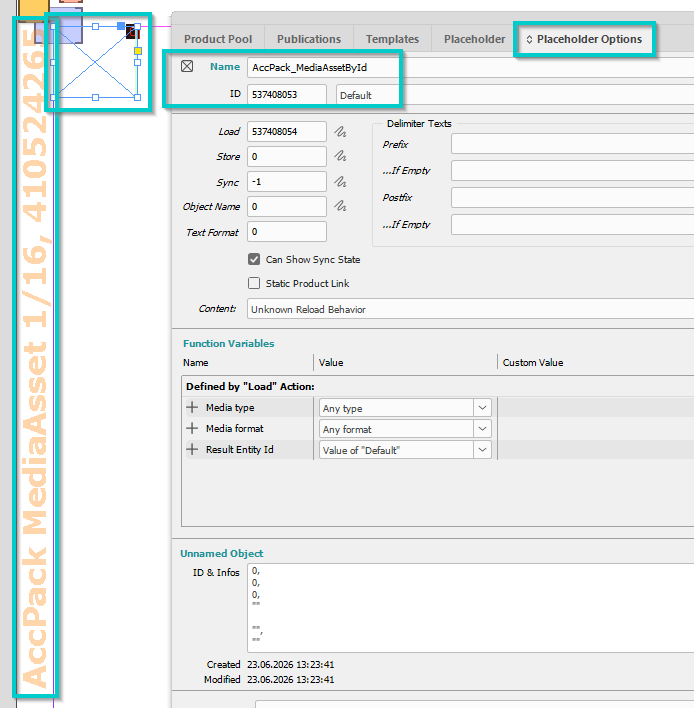
Pre-defined template:
-
Name: AccPack MediaAsset 1/16
-
ID: 410524265
-
-
Placeholder options configuration:
- All by default
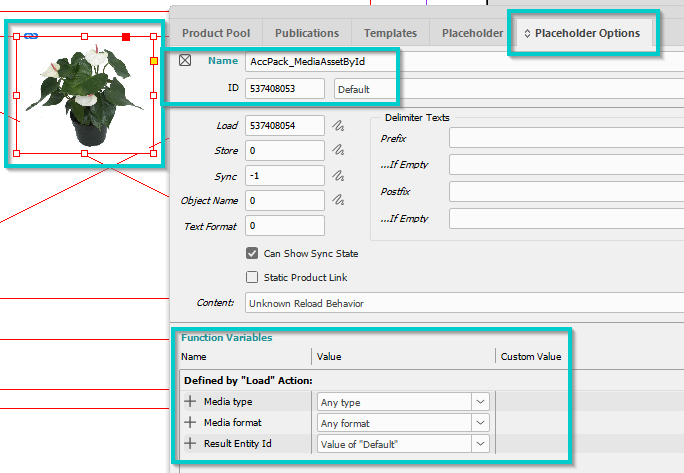
- Result:
Further Reading
-
MediaAssets — the multiframe placeholder that typically produces the context for this placeholder
-
MediaAsset — single image frame from a bucket